

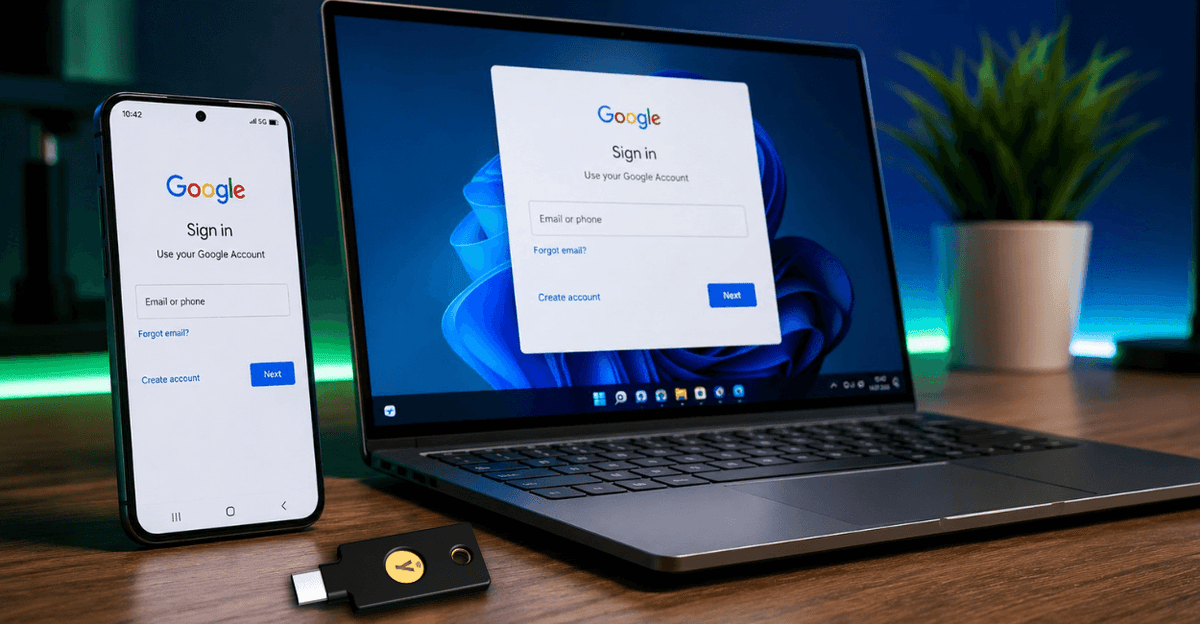
Google has released an important new feature for businesses: The Google Credential Provider for Windows (GCPW) now supports FIDO2-compliant hardware security keys as a second factor for Windows login. This allows businesses to further secure their Windows workstations against phishing and compromised credentials.
For businesses already using Google Workspace or planning a passwordless future, this is another step towards modern and secure authentication.
What is the Google Credential Provider for Windows?
The Google Credential Provider for Windows (GCPW) connects Windows PCs to Google Workspace. Users can log in to Windows with their Google Workspace account, while administrators manage central security policies.
With the current expansion, FIDO2 hardware security keys can now additionally be used as a second factor.
Why is this change important?
Passwords continue to be one of the most common causes of successful cyberattacks. Even traditional authenticator apps can be compromised by modern phishing techniques.
A FIDO2 security key, on the other hand, protects through cryptographic methods. The private key never leaves the device and cannot be intercepted.
Benefits for businesses
- Phishing-resistant login
- Increased security for Windows workstations
- Support for modern Passkey strategies
- Centralized management via Google Workspace
- Ideal for Zero Trust concepts
- Reduction of password resets and helpdesk effort
Which YubiKeys are suitable?
For use with Google Workspace, we recommend the following models:
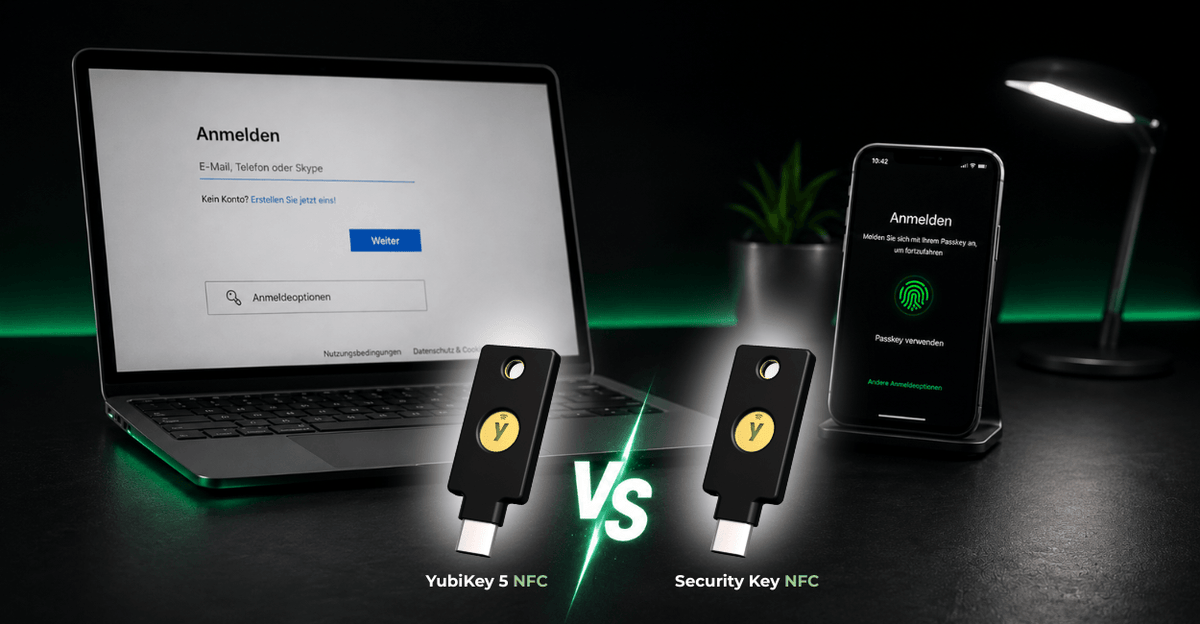
Those who exclusively use FIDO2 and Passkeys are perfectly equipped with the Security Key Series. Businesses with additional requirements such as Smartcard (PIV), OpenPGP, or OTP benefit from the YubiKey 5 Series.
Best Practice: Two security keys per user
Regardless of the platform used, it is recommended to provide each user with at least two security keys:
- One YubiKey for daily use
- One backup YubiKey for emergencies
This ensures access is always possible, even if a key is lost or defective.
Conclusion
The new support for FIDO2 security keys in the Google Credential Provider for Windows clearly shows the direction of IT security: hardware-based authentication and Passkeys are increasingly becoming the standard.
Businesses that choose YubiKeys today benefit from higher security, less administrative effort, and future-proof authentication.
Our tip: Discover the suitable YubiKey 5 Series or the Security Key Series for your Google Workspace environment.