


BUSINESS
YubiKeys for business
Hardware security for your teams. Choose suitable YubiKeys, start with a pilot, and plan how to issue keys and replace them when needed.

FIDO2 security keys for your organisation
Start with your organisation’s applications and authentication methods. For supported FIDO2/WebAuthn sign-ins, the Security Key Series may be sufficient. If PIV/smart card, OTP or OpenPGP are also needed, review the YubiKey 5 Series. Match models, connectors and policies, then test with a pilot group. Plan personally assigned keys, separately registered backups and replacement stock together.
Compare FIDO2 models · Additional authentication methods · Request a project quote
YubiKey for Microsoft Entra ID: check before rollout
First identify the authentication method your project needs. FIDO2/passkey sign-in and certificate-based authentication with PIV are different use cases. For FIDO2, enable the appropriate authentication method and any required attestation policies in Microsoft Entra ID. Supported key models, clients and organisational policies determine use. Pilot registration, sign-in and recovery before ordering larger quantities. A YubiKey is not a blanket compatibility promise for every Windows, Entra or PKI configuration.
Microsoft: enable passkeys (FIDO2) · Set up your YubiKey · Compare models
FOR YOUR TEAMS
Individual keys. A shared plan.
FIDO2/WebAuthn helps protect supported sign-ins against phishing. Start with user and administrator accounts that need particular protection. Before buying keys, check your applications, connectors and organisational policies.
USE CASES
Where your team signs in.
Workplace and cloud
Microsoft Entra ID and Google Workspace offer authentication methods that use security keys. Supported clients and your organisation’s policies determine how they can be used.
Administration and development
For SSO, web applications and specific use cases such as SSH, the identity provider, protocol and key model must work together.
PRODUCT SELECTION
Your authentication method determines the series.
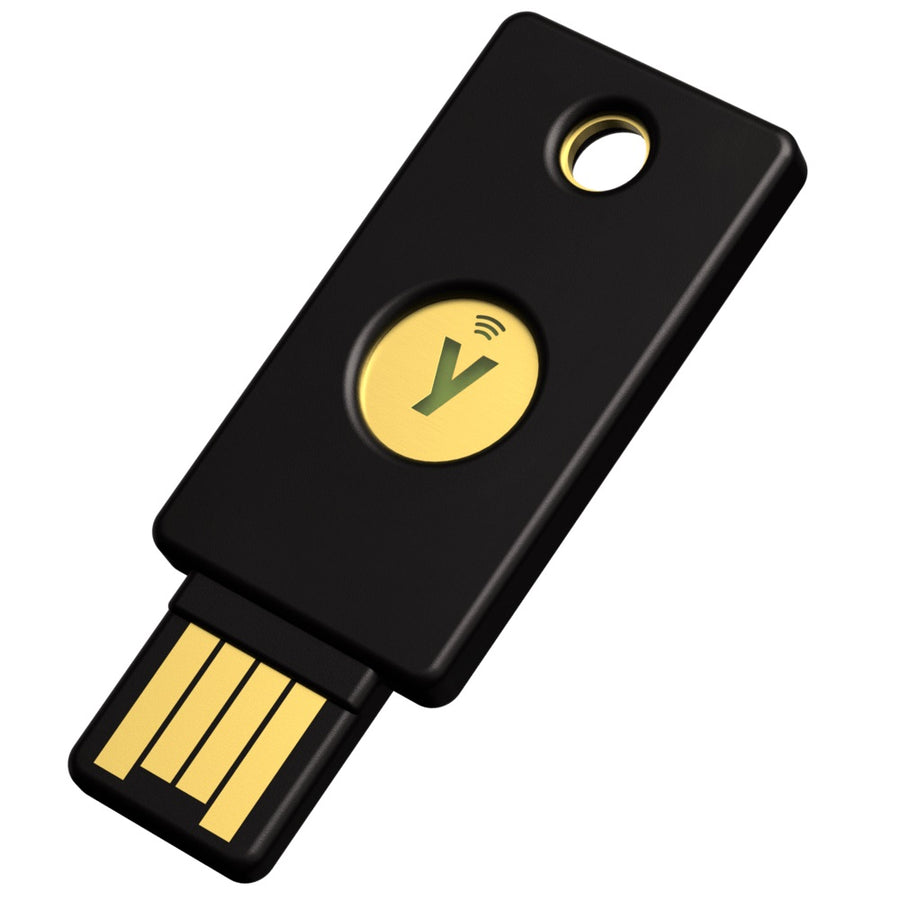
Choose a Security Key for FIDO2/WebAuthn and U2F. Choose a YubiKey 5 when you also need PIV/smart card, OTP or OpenPGP.
If you want fingerprint verification, consider the Bio FIDO Edition. If your project requires a specific certification, review the exact YubiKey 5 FIPS model and certification. Compare all series before choosing.


DEPLOYMENT
From pilot to everyday use.
Requirements and pilot
Identify user groups, applications and protocols. Test the intended sign-in process with a small group.
Issuing keys and backups
Assign keys to individuals. Register a second key separately with the required services and plan for replacements. A backup key is not an automatic copy of the first key.
Procurement and operation
Consolidate models and quantities. Define who handles lost keys, replacements and new employees.
For the steps on an individual key, see Set up your YubiKey.
PLAN AHEAD
Include key management in your project.
Pointsharp
If you have many users or an existing PKI, assess how central management, certificates and lifecycle processes with Pointsharp fit your requirements.
Public sector and education
Municipalities, schools and universities have their own processes. Review deployment and procurement requirements for public institutions.
Technical sources & notes
Content reviewed: 28 September 2026.
Your next rollout starts here.
Tell us about your applications, models, quantities and project requirements. Use these details to request an individual project quote.